Spain visa photo, prepared on your iPhone
Each Spanish consulate publishes its own visa instructions. The Schengen visa page of the Spanish Consulate General in Washington, DC, for example, asks for a recent passport-size colour photo, taken within the last 6 months, against a white, light, clear, uniform background. The same page says short-stay Schengen applications there are submitted in person, by appointment, at the BLS Spain Visa Application Center in Washington, DC. Other consulates have their own pages, so check the one that handles your application.
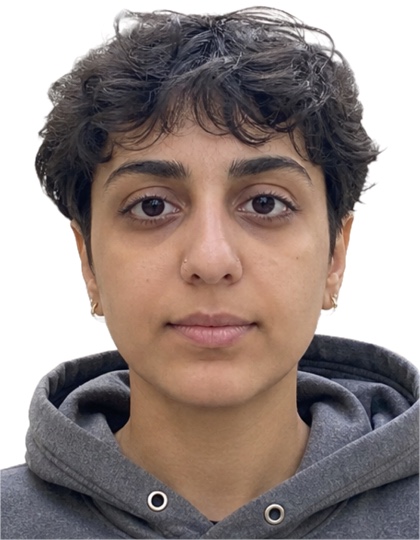
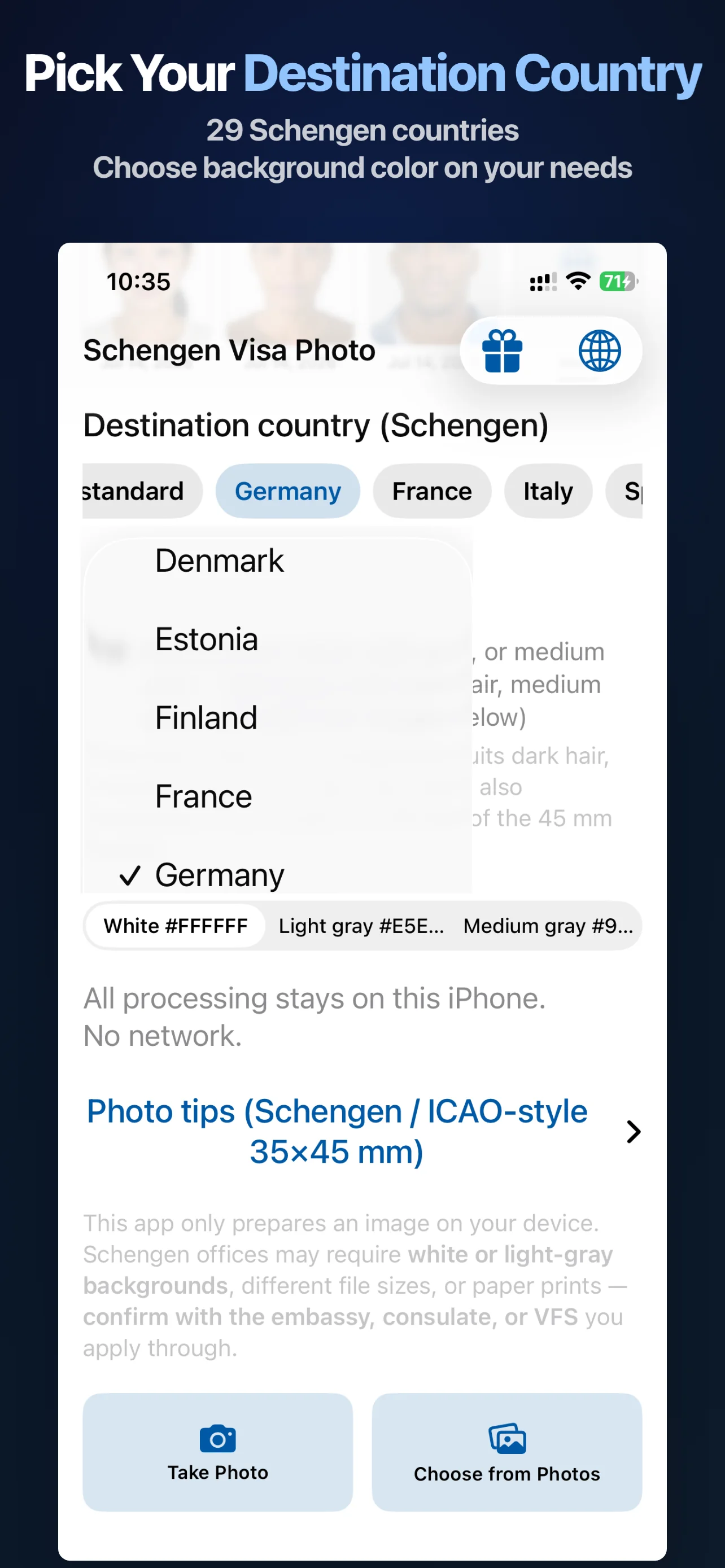
When you choose Spain, the app:
- crops to 35 × 45 mm with the face at 70–80% of the photo height;
- replaces the background with plain white — the option it uses for Spain;
- exports a 420 × 540 px JPEG of up to 512 KB and shows a checklist of measured values before you export;
- links to the Washington consulate’s Schengen visa page from its in-app guide list.
Price
Processing and previews are free, and you can retry as often as you like before buying. A one-time in-app purchase unlocks one JPEG export ($1.99 on the U.S. App Store; prices vary by region). No subscription.
The app’s interface is available in English, 简体中文, 繁體中文, Español, 日本語, Deutsch and Français, and the photo is processed on your iPhone.

iPhone · iOS 17 or later
Follow the photo editing instructions from the consulate or visa centre handling your application.
Official source
- Consulate General of Spain in Washington, DC: Schengen visas — passport-size colour photo, taken within the last 6 months, white, light, clear, uniform background; short-stay applications submitted in person by appointment at the BLS Spain Visa Application Center in Washington, DC.